⌘
01 / COMMAND-DRIVENStart with what you need.
Describe a task in everyday language. Cometflow Do is designed around understanding the job, not making you memorize tool names.
› Compress this image to 500 KB ↗

Tell Cometflow Do what you need to accomplish. Get to practical tools through a simple, command-driven experience — without digging through endless menus.
⌘◈ Built around real everyday tasks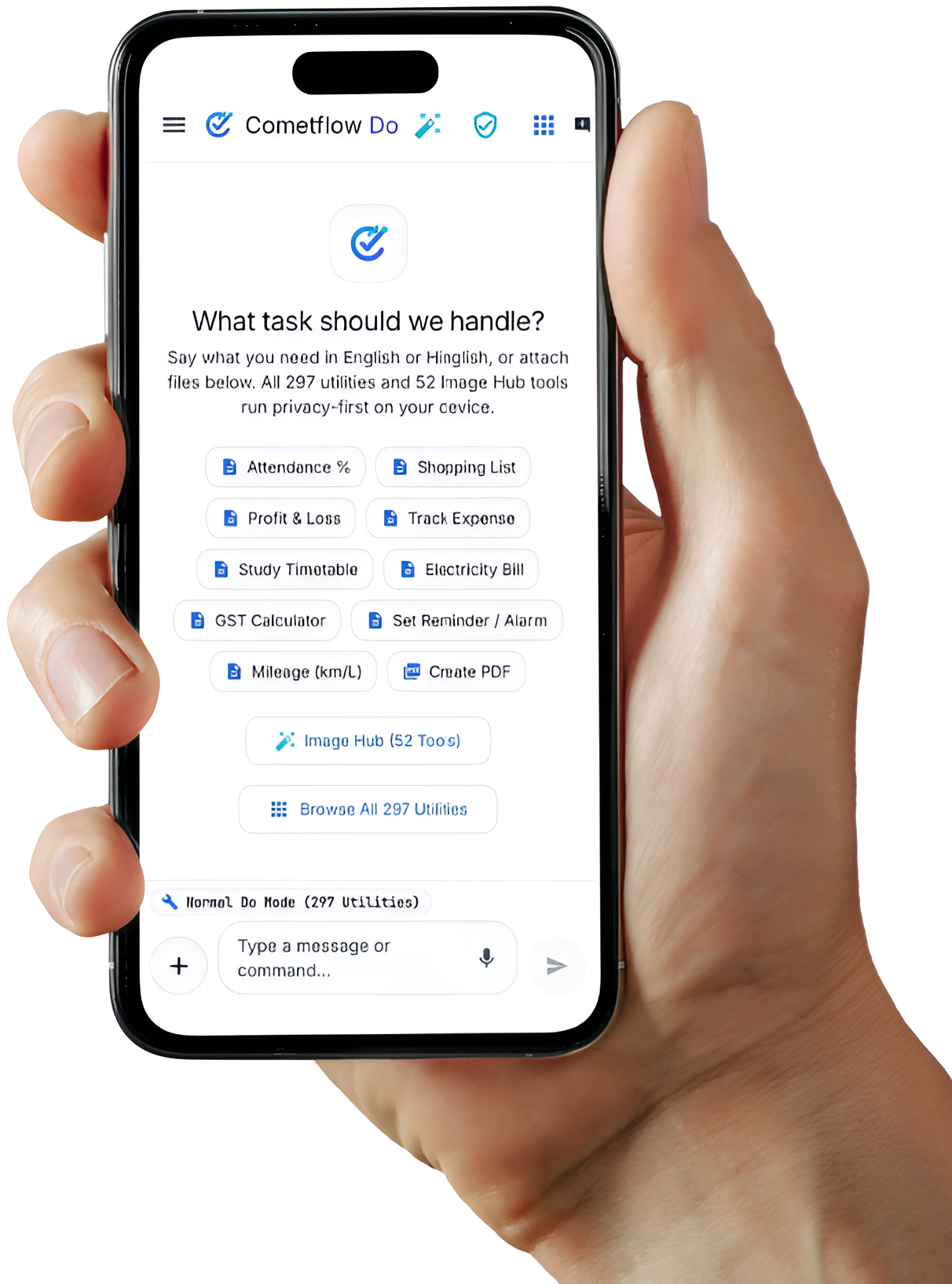
No hunting through endless menus. Start with what you want to accomplish and let the app guide the next step.
Describe a task in everyday language. Cometflow Do is designed around understanding the job, not making you memorize tool names.
A growing collection of practical tools for files, images, text, PDFs and developer tasks.
Many deterministic utilities are designed to run directly on your device. Requirements vary by feature.
From quick file tasks to handy developer utilities, bring useful actions closer to your fingertips.
Discover features →Discover a more direct way to work with everyday utilities.
Discover Cometflow Do ↗